


In short
An inventory report example from a professional AIIC-accredited clerk follows a 6-section structure: cover and credentials, schedule of condition (room by room), photographic evidence, meter readings, contents inventory (for furnished lets), and dual sign-off. This inventory report example shows what each section looks like in a real Click Inventories report, redacted excerpts of actual documents, so landlords know exactly what they’re paying for before they book.
What an inventory report example looks like
The strongest sign that a landlord is paying for a real inventory clerk, rather than a glorified walk-through, is the structure of the finished document. A professional inventory report example doesn’t read like a marketing summary. It reads like an evidential filing: dated, signed, photographed, captioned in standard vocabulary, and broken into the six sections AIIC methodology requires.
Below is each section of a Click Inventories inventory report example, redacted of property and tenant identifiers, with notes on what to look for when reviewing your own.
For the full clickable sample (downloadable PDF), see our sample inventory report page.
Section 1: Cover page and clerk credentials
The cover page establishes who produced the report and on whose authority. It records the property reference (address redacted in the public example), the inspection date, the report type (check-in, check-out, mid-term, condition), and the clerk’s name and AIIC membership number. Without this metadata, scheme adjudicators have no way to verify the clerk’s standing.
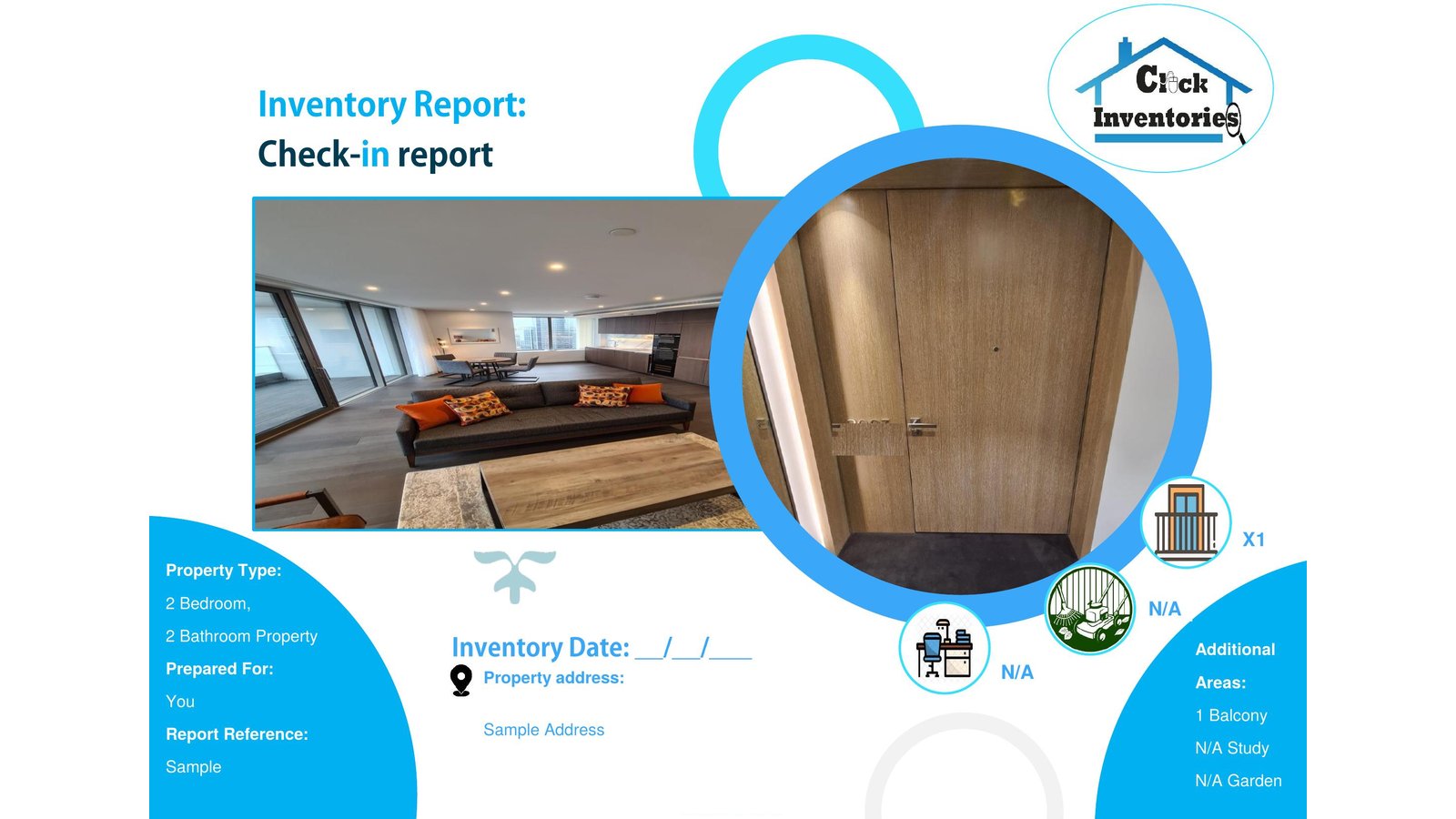
Look for the AIIC member number specifically. A report from a clerk who is not an AIIC member is not necessarily invalid, but it lacks the standard adjudicators reach for first.
Section 2: Schedule of condition
The schedule of condition is the central evidential body of the report. Each room is documented in a standardised written assessment using AIIC vocabulary: good order, fair wear, scuffed, marked, stained, chipped, broken, missing. The vocabulary matters because adjudicators recognise it, adjudication panels have been weighing these specific terms across thousands of disputes.
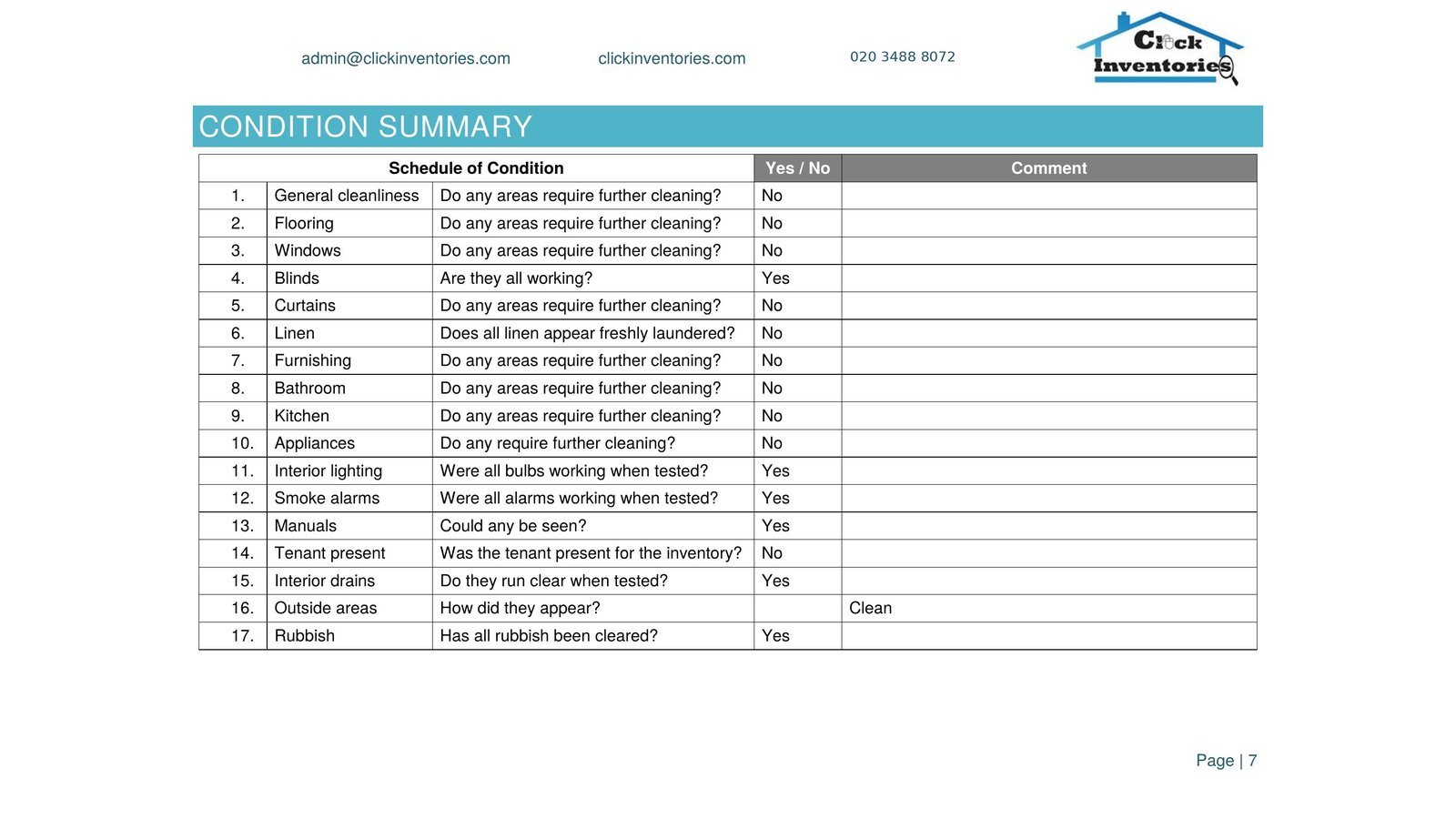
A schedule of condition that describes a kitchen as “fine” or “looks OK” is weaker than one that records “worktop in good order with minor surface marks, see photo 14.” The first is a personal opinion; the second is a documented observation.
Section 3: Photographic evidence
Every Click Inventories report includes HD photographic evidence, applied with discretion across the property. The depth is calibrated to the property and the inspection type, not pegged to an arbitrary photo count. The right photo at the right moment, with a clear caption tying it to a schedule-of-condition entry, beats a thousand photos that miss the point.
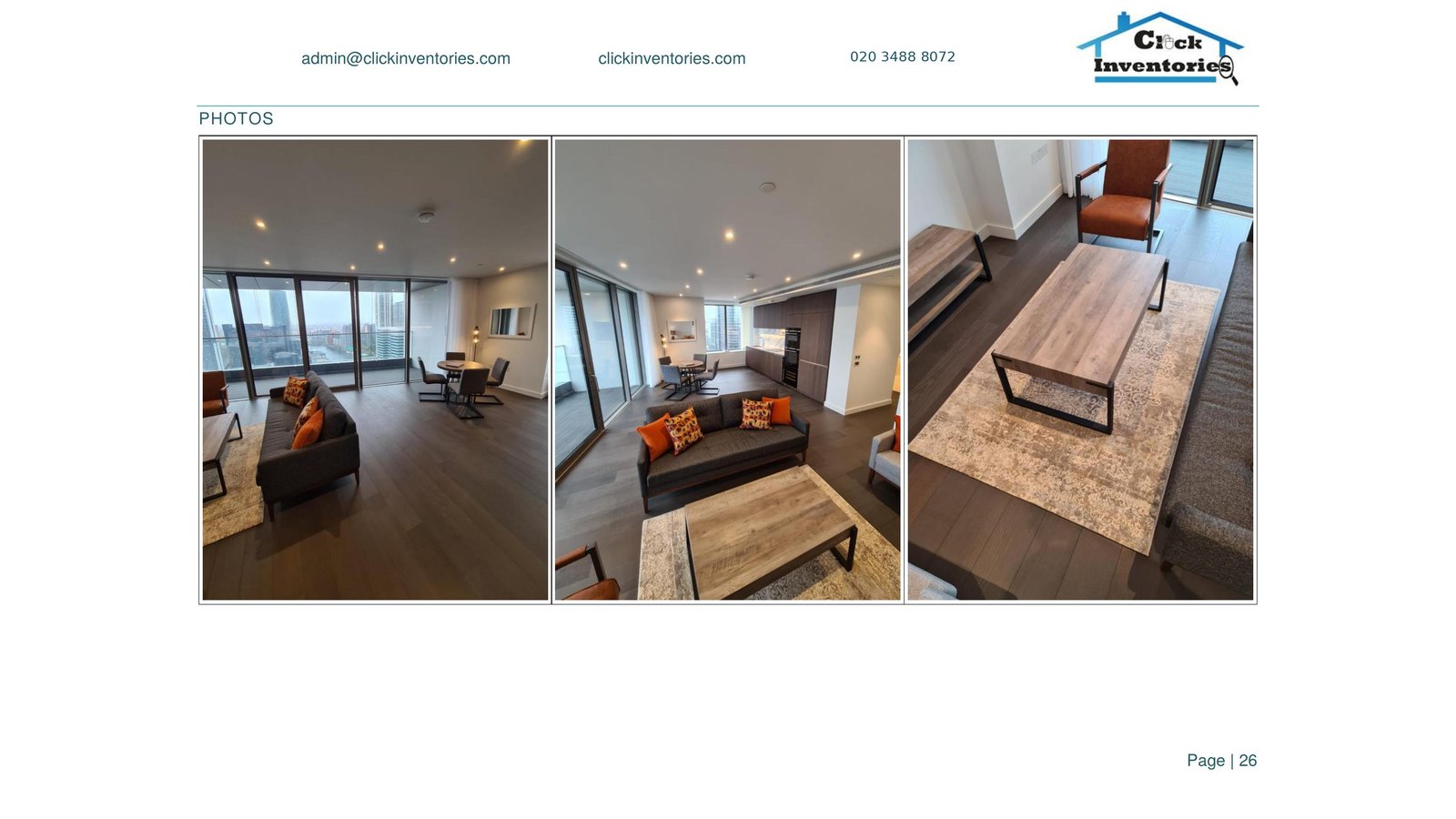
Photographs are cross-referenced to the schedule of condition by photo number. At dispute, the adjudicator can read “kitchen worktop, surface marks, see photo 14” and immediately verify the observation against the visual evidence.
Section 4: Meter readings
Meter readings are a section landlords often overlook until the closing utility dispute lands. The check-in report records the opening readings for gas, electric, and water (where applicable), with the meter serial numbers, the date of reading, and a photo of each meter face. The check-out report records the closing readings the same way.
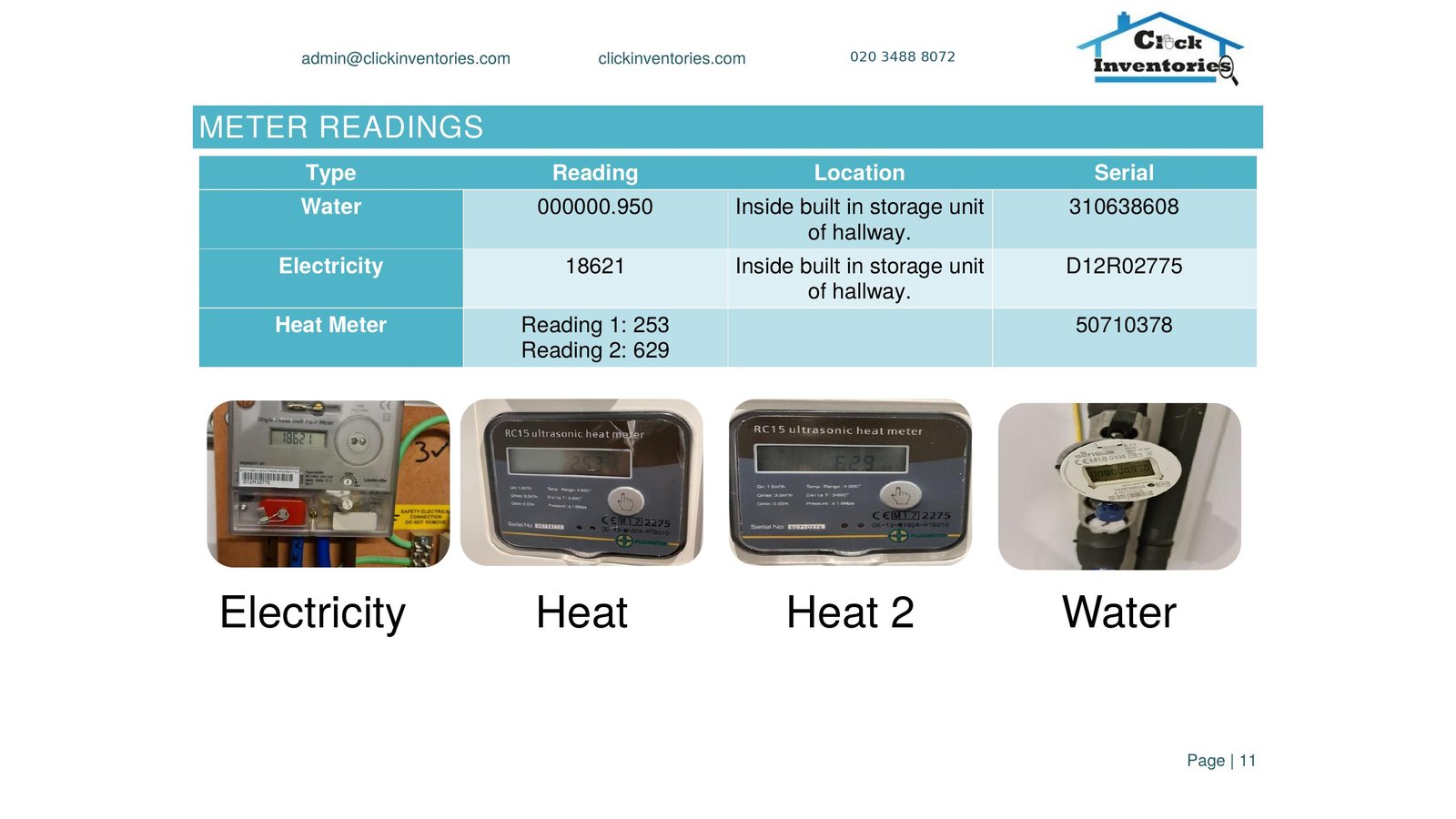
This is also the section that catches meter-tampering and supply-changeover disputes, both are rare but expensive when they happen.
Section 5: Contents inventory (furnished lets only)
For furnished and part-furnished lets, the contents inventory is the itemised list of every piece of furniture, every appliance, every soft furnishing, and every kitchen item provided by the landlord. Each item has a condition note. At check-out, the same list is annotated for missing or damaged items.
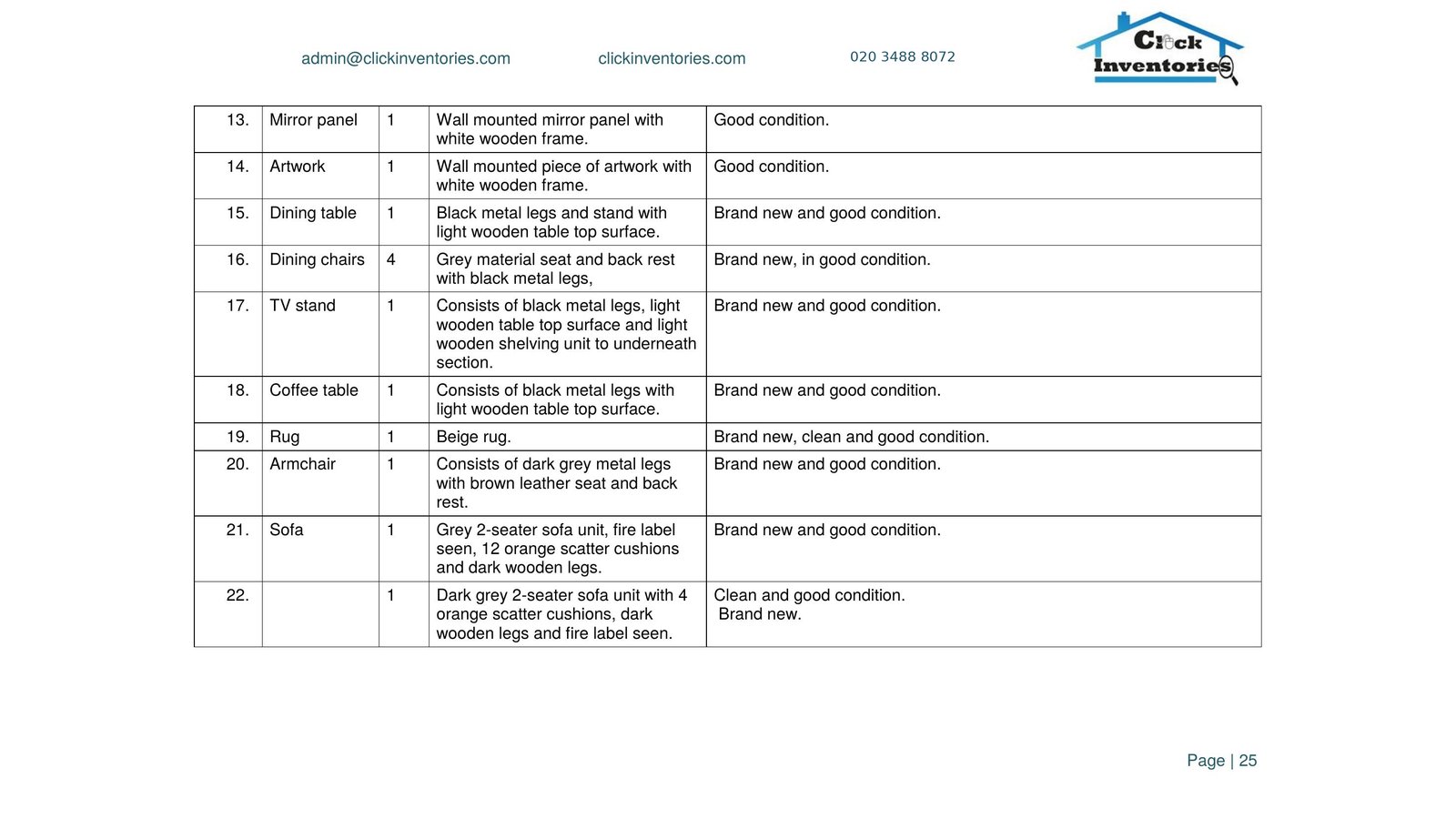
Unfurnished lets skip this section entirely; their reports run shorter.
Section 6: Sign-off
The final page records the date, the parties acknowledging the report, and their signatures. For check-ins this is the tenant + landlord (or agent) + clerk. For check-outs the tenant signs where present; if absent, the clerk’s signature alone records the report’s independence.
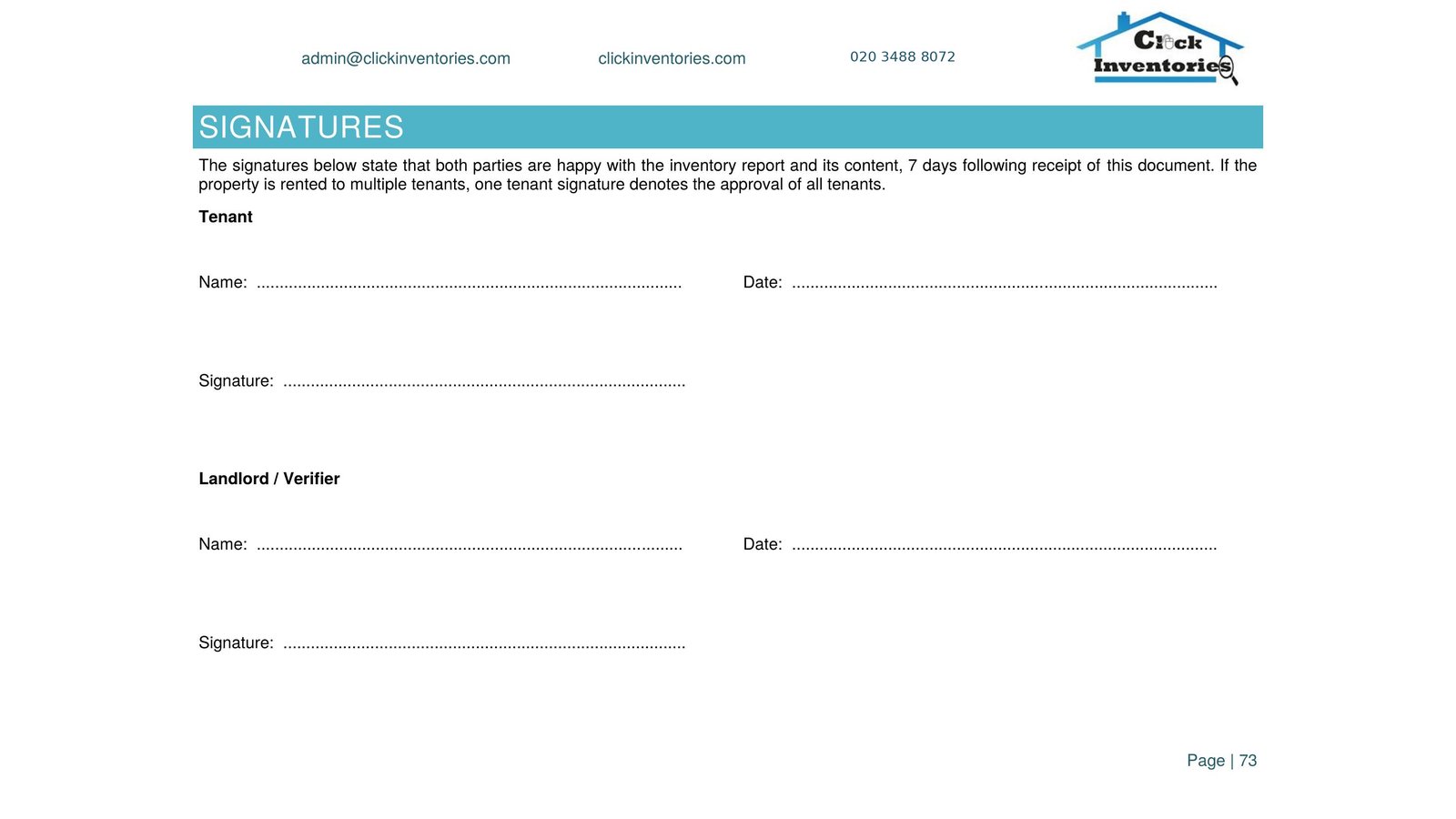
The sign-off page is sometimes treated as a formality but it carries substantive evidential weight: it records the moment both parties saw and accepted (or formally disputed) what the report said.
How an inventory report example compares to a self-produced inventory
The clearest test of whether an inventory report example is professional is to lay it next to one a landlord might draft themselves. A self-produced “inventory” typically consists of a written room-by-room list, perhaps a handful of phone photos. It might be longer than the AIIC document. But it almost always lacks: standard vocabulary, photo cross-references, clerk credentials, meter serial numbers, and independent sign-off.
Scheme adjudicators are not impressed by length. They look for structure, and the six sections above are the structure they’re trained to recognise. The government’s tenancy deposit protection framework underpins the evidential standards every approved scheme applies.
For the deeper discussion of how check-in and check-out reports compare side-by-side, see check-in report vs check-out report. For what an inventory clerk actually does between those reports, see inventory clerk: what they do. For the pillar guide stepping back to the full landlord context, see property inventory reports: the complete London landlord’s guide.
Working with Click Inventories
You can request a full inventory report example via our sample inventory report page, that page hosts the downloadable PDF version of the redacted example shown above. To book a real inventory on your property, our inventory clerk hub covers the full service range and fees. Or read about why landlords choose us for the differentiation context.
Frequently asked questions
How many photos does an inventory report contain?
Depth is calibrated to the property, not pegged to a count. A standard 1- or 2-bed London inventory report example typically contains 80 to 150 HD photographs across the six sections. A 5-bed furnished house may run to 250 to 400. Click Inventories’ principle: every notable feature, every fixture, every defect that could surface in a deposit dispute. Photo counts as a marketing claim (“500+ photos!”) are not what wins disputes, relevance is.
What if the report misses something?
A missed observation in a check-in becomes contested ground at check-out. The clerk’s report is comprehensive but not infallible, landlords reviewing the delivered report should flag any obvious omission for amendment within the first 7 days of receipt. After that, the report is treated as the agreed baseline.
Can I add to the report after delivery?
Within the first 7 days, yes, Click Inventories accepts written amendments where the landlord or tenant identifies an omission and both parties agree. After that, amendments are treated as new observations and dated accordingly, not retroactive to the original inspection date.
How is the report delivered?
As a signed PDF document, delivered by email to the landlord (or agent) and tenant within 72 hours of inspection. We do not deliver paper-only reports; the digital PDF carries equal evidential weight and is the format scheme adjudicators expect.
How long do I need to keep the report?
For the duration of the tenancy plus six years (the statutory limitation period for breach-of-contract claims in England). Click Inventories retains copies on our secure systems for the same period, landlords can request a re-issue at any time.